100% Offline & Private

Never Forget a WhatsApp Message or Important Call Again

Schedule WhatsApp messages to anyone, set call reminders that ring like real calls, and stay on top of everything — all without internet. Your data never leaves your phone.

3.18 MB App Size
0 KB Data Sent Online
100% Private & Secure
0 Ads — Forever
Call & Chat Reminder App

Everything You Need, Nothing You Don't

Packed with smart features to keep you connected — without compromising your privacy.

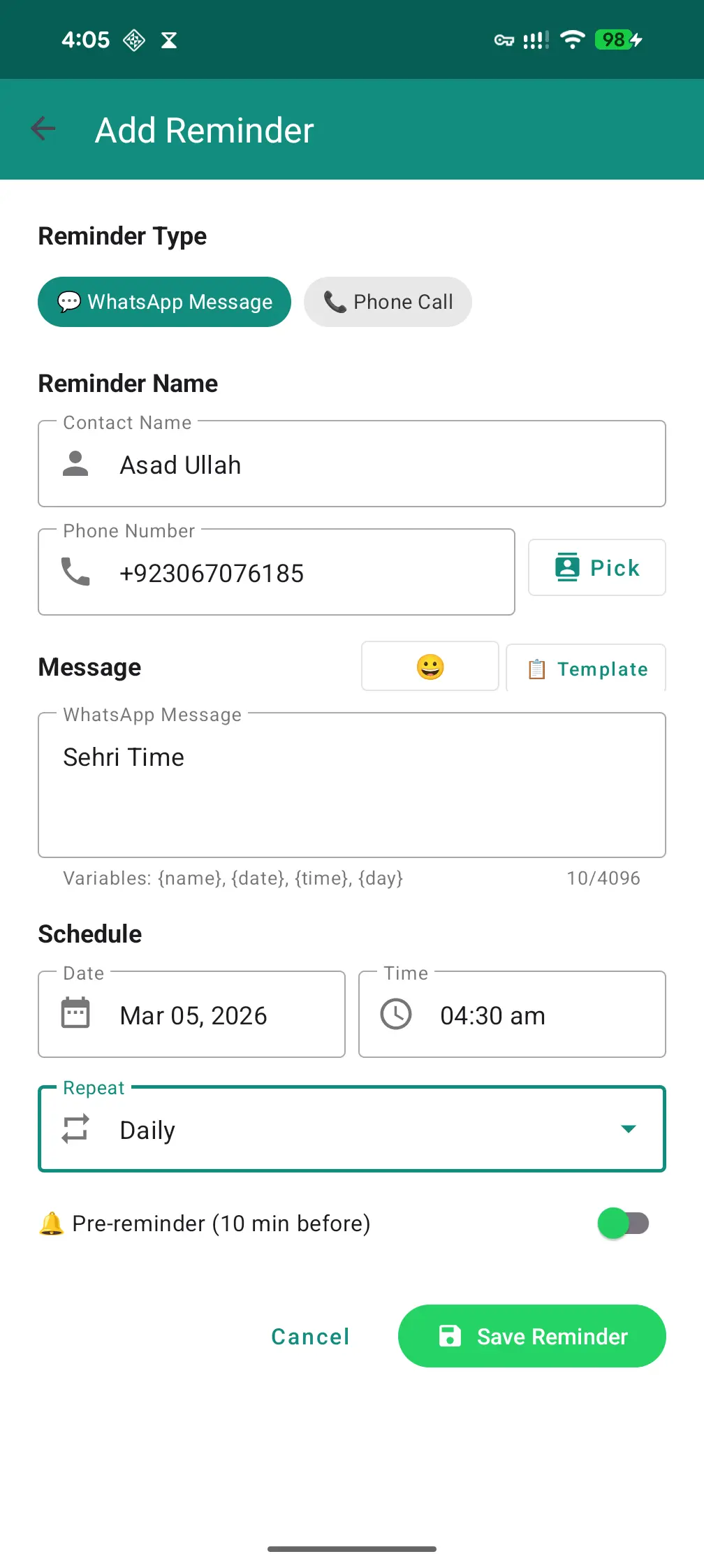
Schedule WhatsApp Messages

Write your message now, send it later. Pick any contact, set a date & time, and the app delivers it for you automatically.

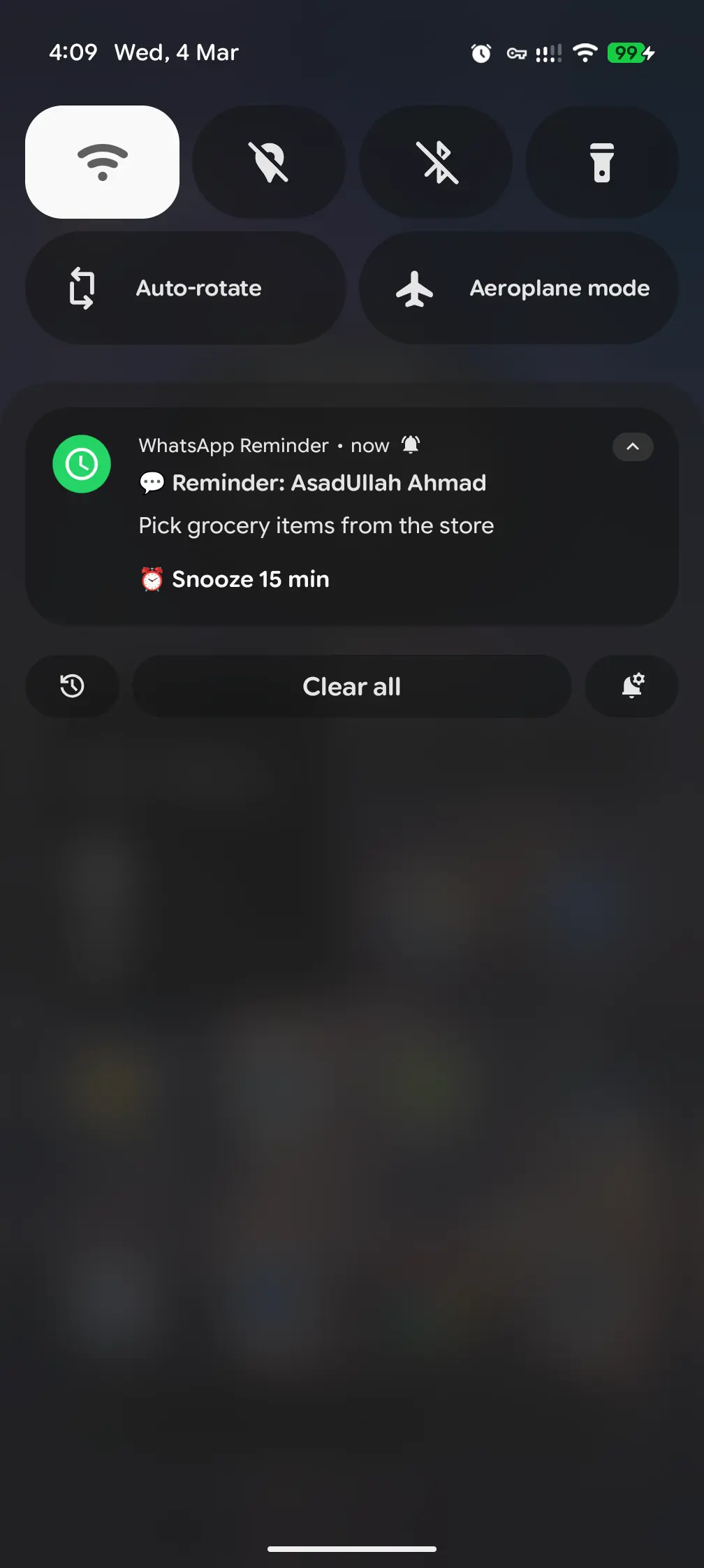
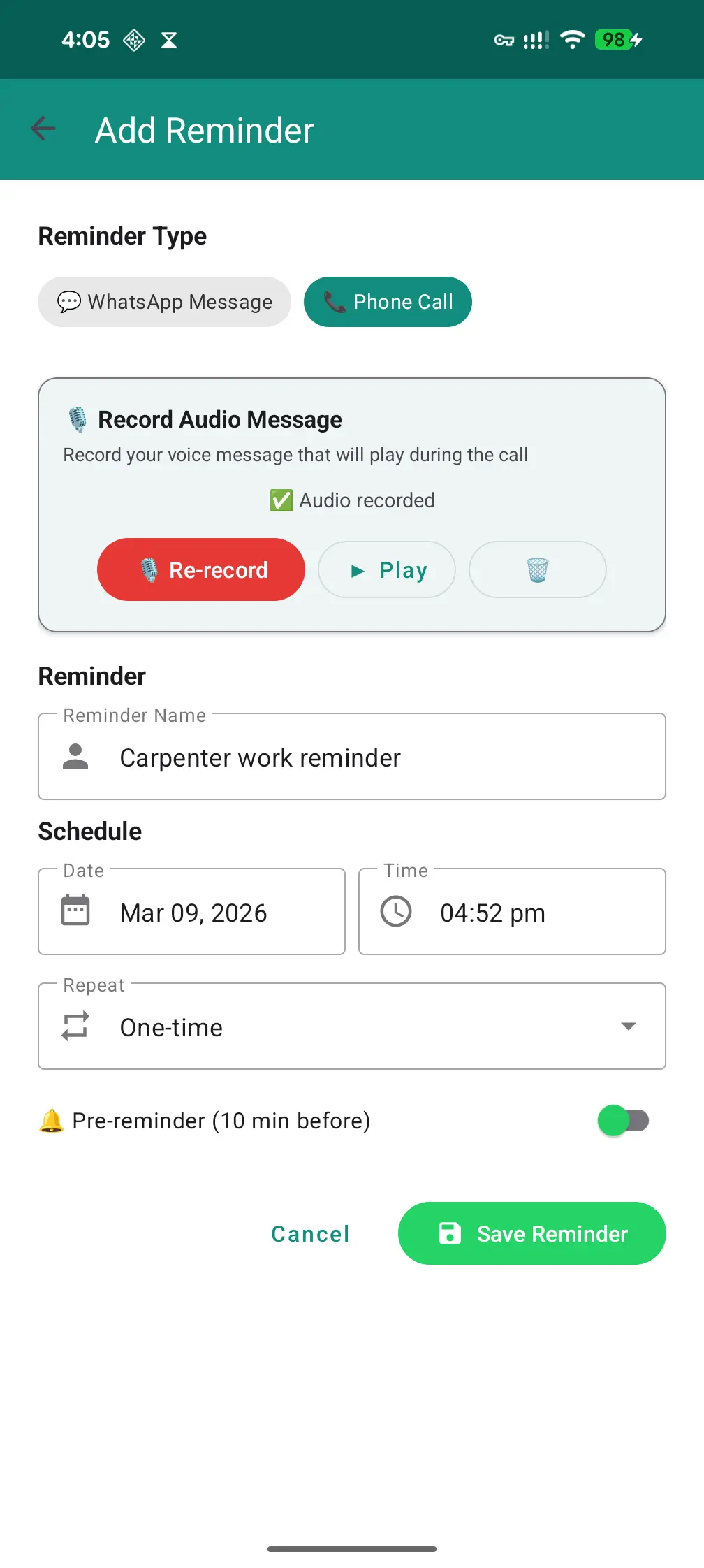
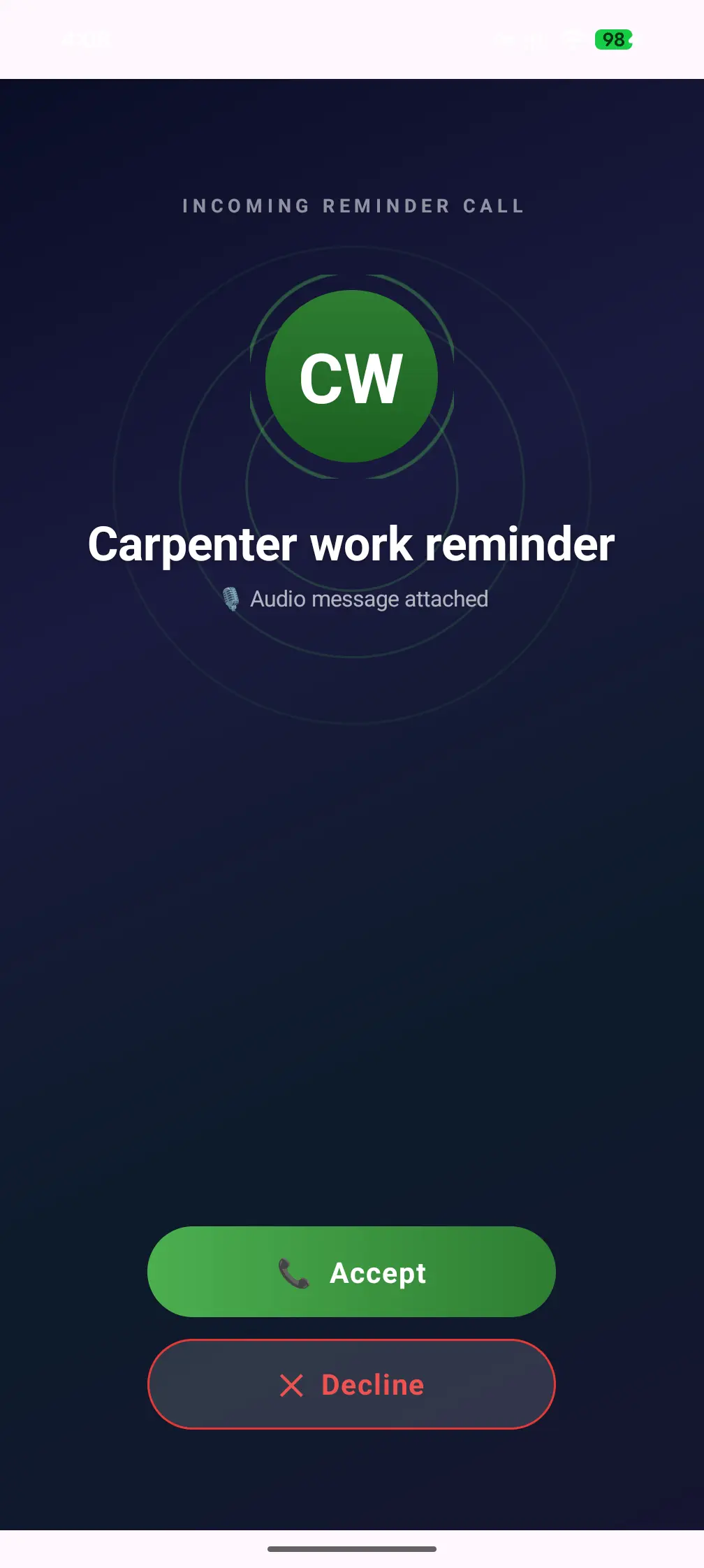
Call Reminders

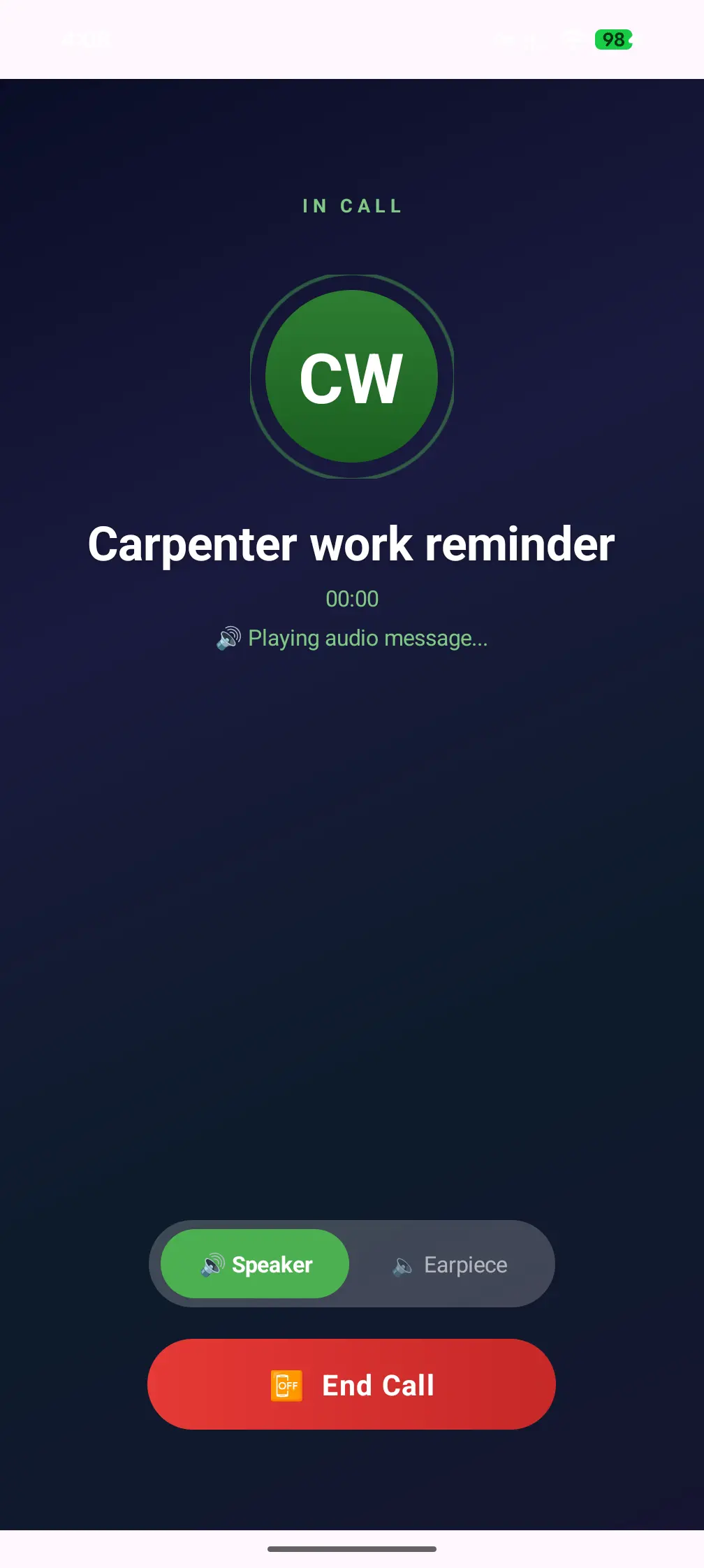
Get full-screen incoming call alerts that wake your screen — even on lock screen. Never forget to call someone back.

Smart Repeat

Set reminders to repeat daily, weekly, monthly, or on custom days. Perfect for recurring messages like daily greetings.

Message Templates

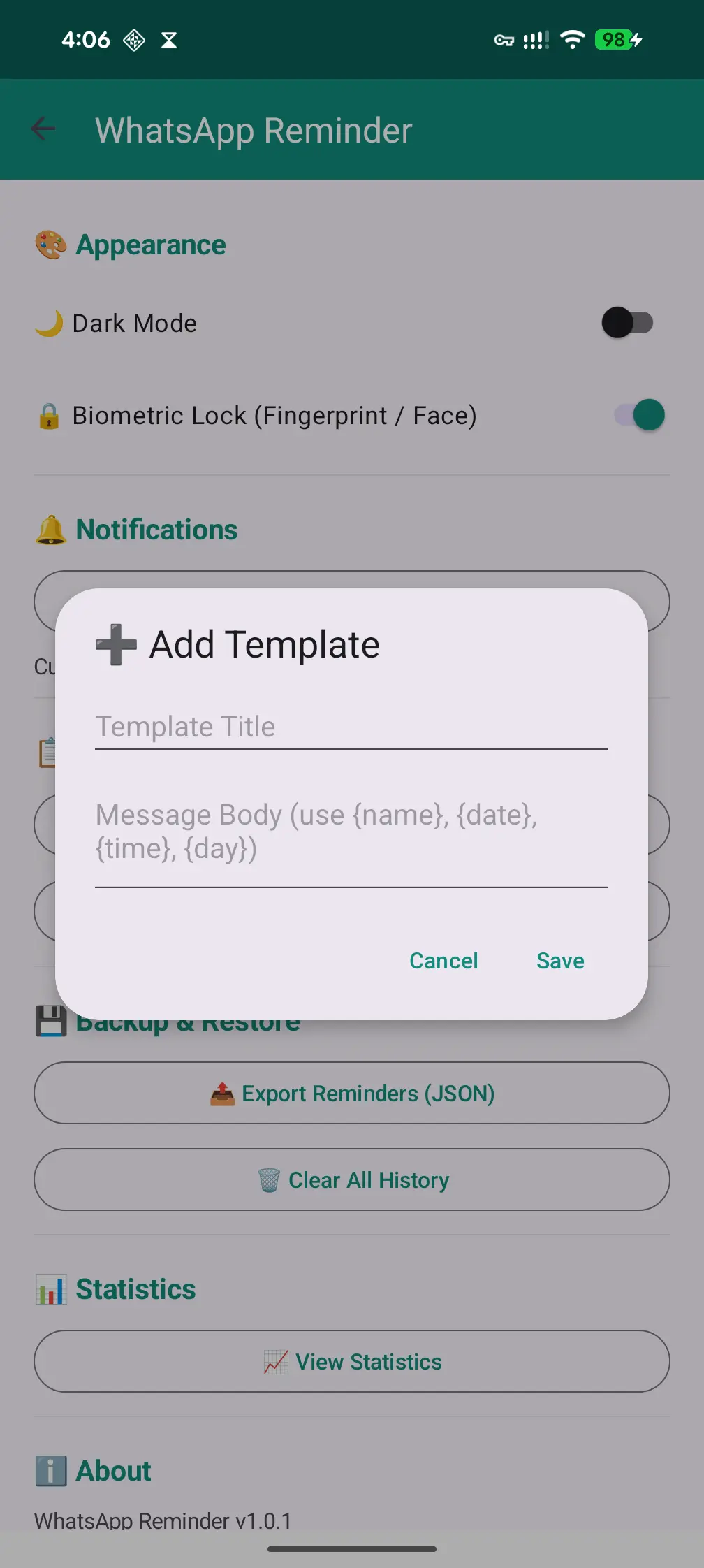
Save your frequently used messages as templates. One tap to reuse — no more typing the same thing again and again.

Biometric Lock

Protect your reminders with fingerprint or face unlock. No one can peek into your scheduled messages without your permission.

Contact Picker

Pick contacts directly from your phone's address book. No need to type numbers manually — just tap and select.

Statistics Dashboard

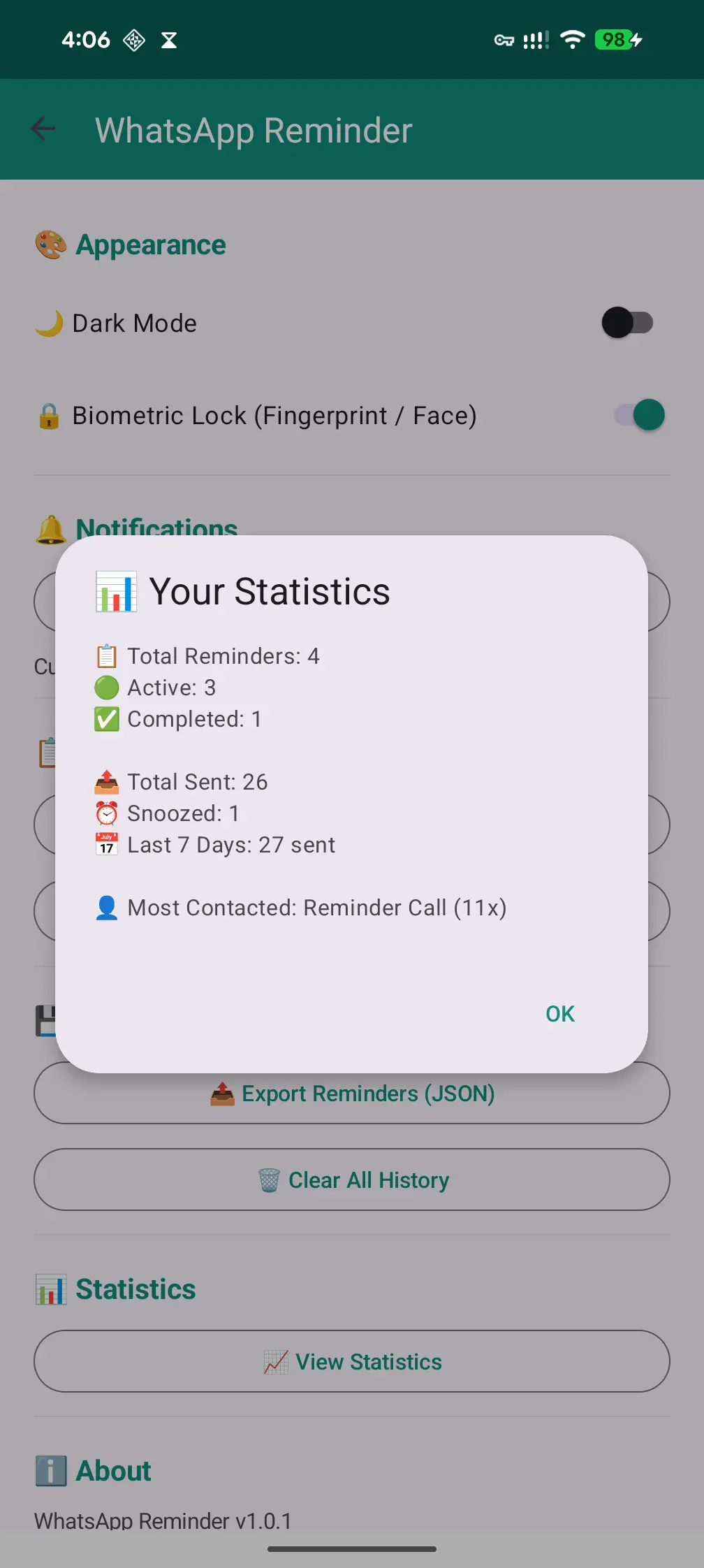
See how many reminders you've created, completed, and upcoming. Stay on track with a beautiful stats overview.

Backup & Restore

Export all your reminders to a backup file and share it. Restore anytime — never lose your data when switching phones.

Works 100% Offline

Internet permission is completely removed from the app. It works fully offline — your data never leaves your device.

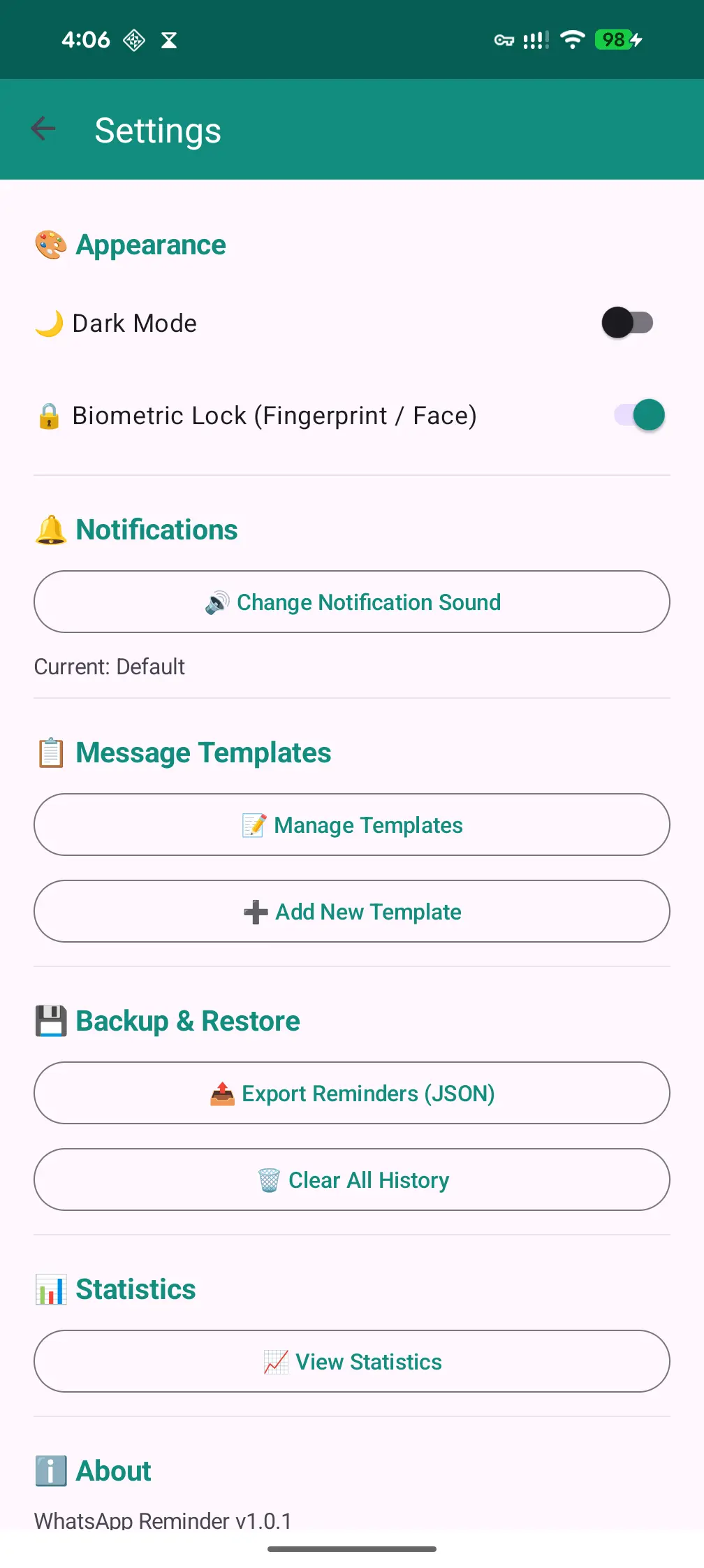
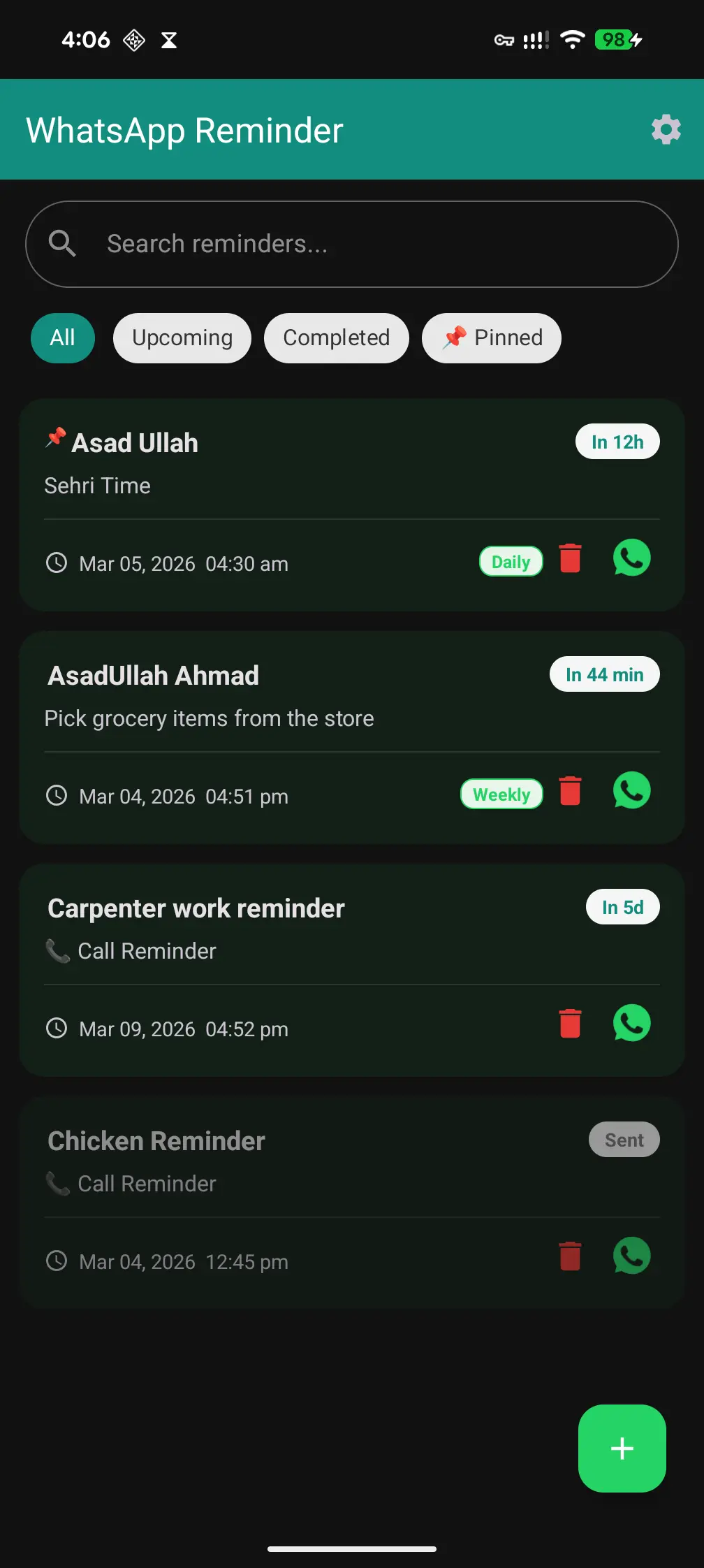
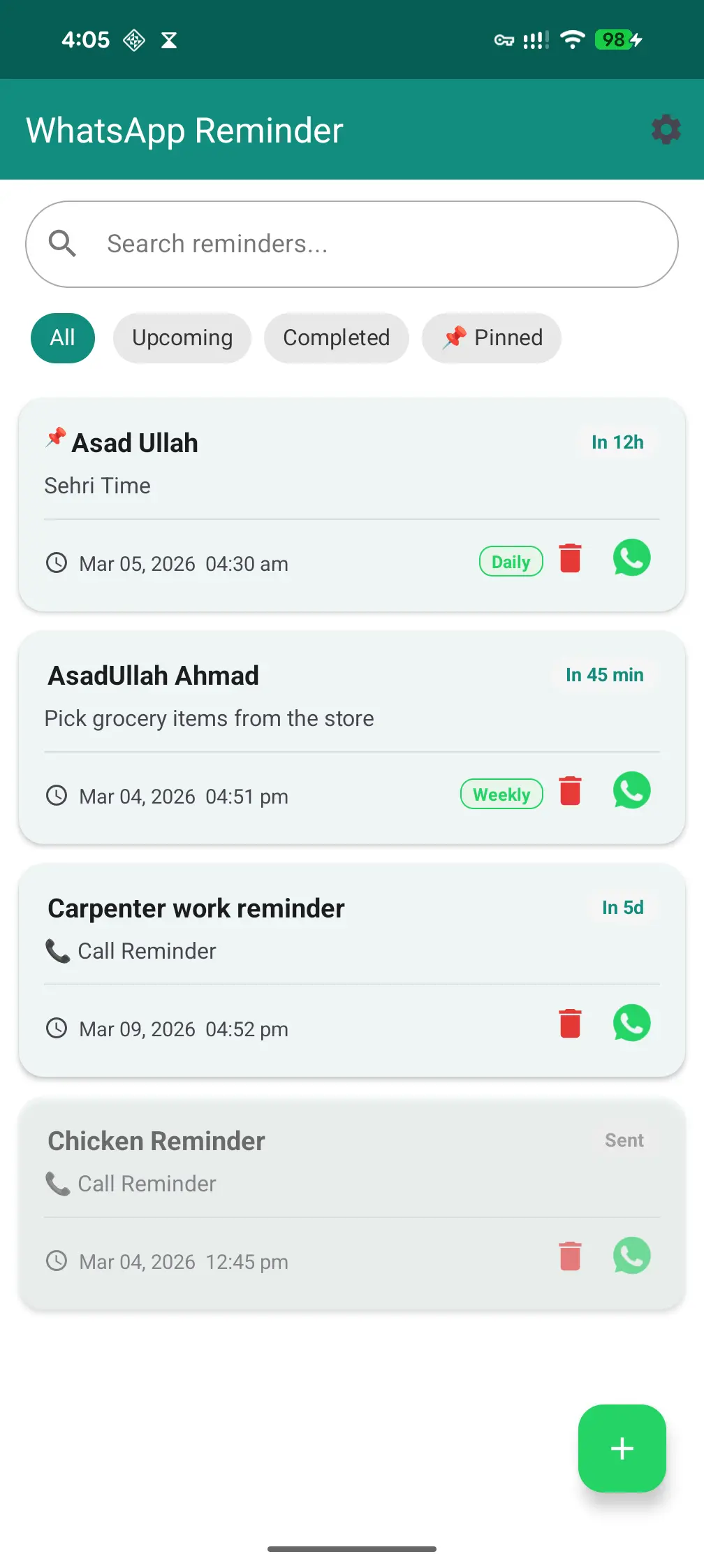
See It In Action

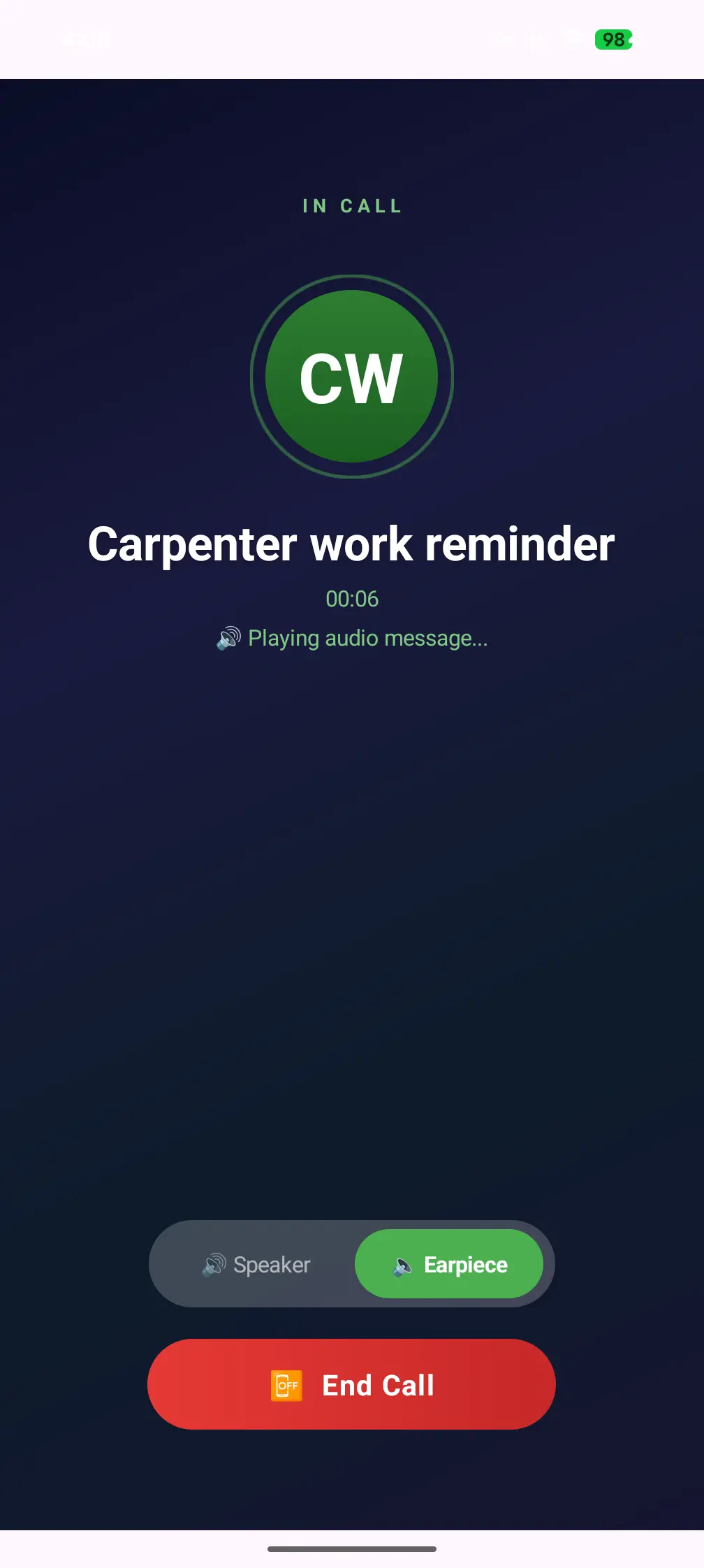
Clean, minimal, and easy to use — designed for everyone.

How It Works

Three simple steps — that's all it takes.

1

Pick a Contact

Choose someone from your contacts or type a phone number manually. It's quick and easy.

2

Write & Schedule

Type your message, pick a date and time, choose if it repeats — daily, weekly, or custom days.

3

Sit Back & Relax

The app sends your message or calls you at the right time. Even if your phone is locked or offline!

Your Privacy Is Non-Negotiable

We didn't just add security as an afterthought — it's built into the very core of the app. Here's how we protect you.

🛡️

Screenshot & Screen Recording Blocked

The app uses Android's FLAG_SECURE protection — the same technology used by banking apps. No one can take screenshots or record your screen while the app is open. Your scheduled messages stay invisible to screen capture, screen recording apps, and screen mirroring.

FLAG_SECURE Anti-Screenshot Anti-Recording
🔑

Encrypted Storage

All sensitive data is stored using Android Jetpack Security with AES-256 encryption. Even if someone accesses your phone's file system, your data remains encrypted and unreadable.

AES-256 Jetpack Security
🧬

App Integrity Verification

The app checks its own integrity on every launch. If someone tries to modify, inject code, or tamper with the APK, the app detects it and warns you immediately. Only the official version runs safely.

Tamper Detection Signature Check
🚫

Zero Internet — Physically Impossible

The INTERNET permission is removed at the code level using Android's manifest tools. The app cannot make any network request, ever. No analytics, no tracking, no telemetry.

tools:node="remove" Zero Telemetry
👆

Biometric Authentication

Lock the entire app behind your fingerprint or face unlock. Uses Android's BiometricPrompt — the same API used by Google Pay and banking apps. No PIN fallback that can be guessed.

BiometricPrompt Face / Fingerprint
💾

No Cloud Backup Leaks

Android's auto-backup is explicitly disabled. Your reminder data is never uploaded to Google Drive or any cloud service. Everything stays on your physical device only.

allowBackup=false Local Only

Why Choose Call & Chat Reminder?

We built this app with one mission: your privacy comes first.

🛡️

Zero Internet Permission

The internet permission is completely removed from the app code. It physically cannot connect to the internet. No tracking, no analytics, no data collection — ever.

🔒

Biometric Security

Lock the app with your fingerprint or face. Even if someone takes your phone, they can't see your scheduled messages without your biometric.

📵

Works Without Internet

Your reminders fire even when you're offline, in airplane mode, or have no SIM card. Everything runs locally on your device.

🚫

No Ads — Forever

We hate ads as much as you do. This app has zero ads and will never have them. Clean, distraction-free experience.

📞

Real Call-Style Reminders

Call reminders look and feel like actual incoming calls — full screen with sound, even on your lock screen. You won't miss them.

🔄

Survives Reboots

Even after your phone restarts or reboots, all your scheduled reminders are automatically restored. Nothing is lost.

Ready to Never Forget
A Message Again?

Download the app now and start scheduling your WhatsApp messages and call reminders in seconds.

Version 1.5.2 • Android 8.0+ Required • 3.18 MB • No registration • No internet needed

No Malware
No Hidden Permissions
No Data Collection

How to Download & Install the App

Follow these simple steps to get the app running on your Android phone.

1

Download from Play Store

Tap the Google Play badge on this page. You will be redirected to the Play Store.

2

Allow Installation from This Source

When you open the APK, Android will ask you to "Allow installing from this source" (your browser). This is normal for apps downloaded outside the Play Store. Just tap "Settings" → toggle ON → go back.

3

Install the App

Tap "Install" and wait a few seconds. Once done, tap "Open" to launch the app. You can also find it in your app drawer.

4

Set Up Biometric Lock

On first launch, the app will ask for fingerprint or face unlock. This keeps your reminders private. Authenticate to enter the app.

5

Grant Permissions

The app will ask for a few permissions. Here's what each one does:

📇
Contacts — To pick a contact from your phone book. Never uploaded anywhere.
🔔
Notifications — To show reminder alerts when your message is due.
Exact Alarms — To fire reminders at the exact time you set.
6

You're All Set! 🎉

Tap the + button to create your first reminder. Pick a contact, write a message, set the date & time, and let the app do the rest!

Frequently Asked Questions

Yes! The internet permission is literally removed from the app's code. It cannot connect to the internet even if it wanted to. All reminders, data, and scheduling happen 100% on your device.

At the scheduled time, the app opens WhatsApp with your contact and message pre-filled. You just need to tap the send button. This design is intentional — it respects WhatsApp's terms and gives you final control.

Absolutely! The app has a boot receiver that automatically restores all your scheduled reminders after a phone restart or reboot.

Yes. The app uses only the minimum permissions it needs and has integrity verification built-in. It doesn't use the internet, doesn't collect data, and doesn't run ads. You can verify the permissions yourself in Android Settings.

Yes! You can set reminders to repeat daily, weekly, monthly, or on specific custom days of the week. Perfect for birthday wishes, daily greetings, or weekly check-ins.

Have a Suggestion or Found a Bug?

We'd love to hear from you. Drop us a message and we'll get back to you as soon as possible.

📧

Email Us Directly

info@asadullah.pk

Quick Response

We typically reply within 24 hours

🔒

Privacy First

Your email is only used to reply to you — never shared or stored