
A call reminder that rings

Full screen, like an incoming call, with your own voice on the line.

How do I set a call reminder on Android? Create a Phone call reminder, name it, set the time. It rings like a call. Free app, Android 8.0 and later

A notification is easy to swipe away without reading. A ringing phone is not. That is the idea behind the call reminder: when it is time to call the dentist or call a client back, your phone rings, and the caller is your own reminder.

How to set a call reminder on Android

  1. Open Call Reminder & To-Do List and tap the plus button.
  2. Choose Phone call as the type of reminder.
  3. Give it the name you want to see on the call screen, such as Call Ali back.
  4. Record a voice note, or type a note for the app to read aloud.
  5. Set the date and time, and a repeat if you need one.
  6. Save. It will ring at that minute, even with the phone locked.

What you see when it rings

The screen turns on and shows a full incoming-call screen with your reminder’s name. Answer it and your recording plays, or the app reads your note aloud. Switch between the speaker and the earpiece, end the call, or snooze it to ring again later.
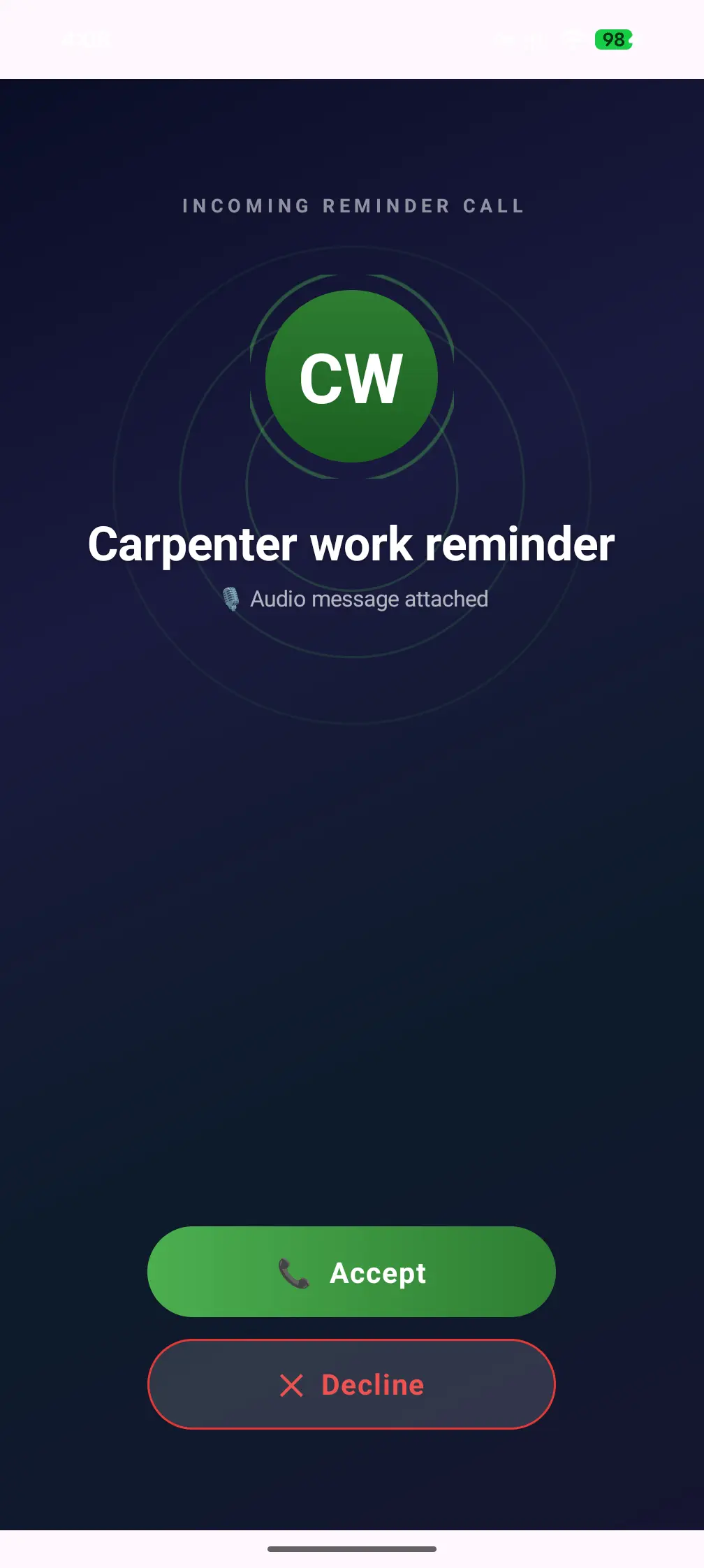
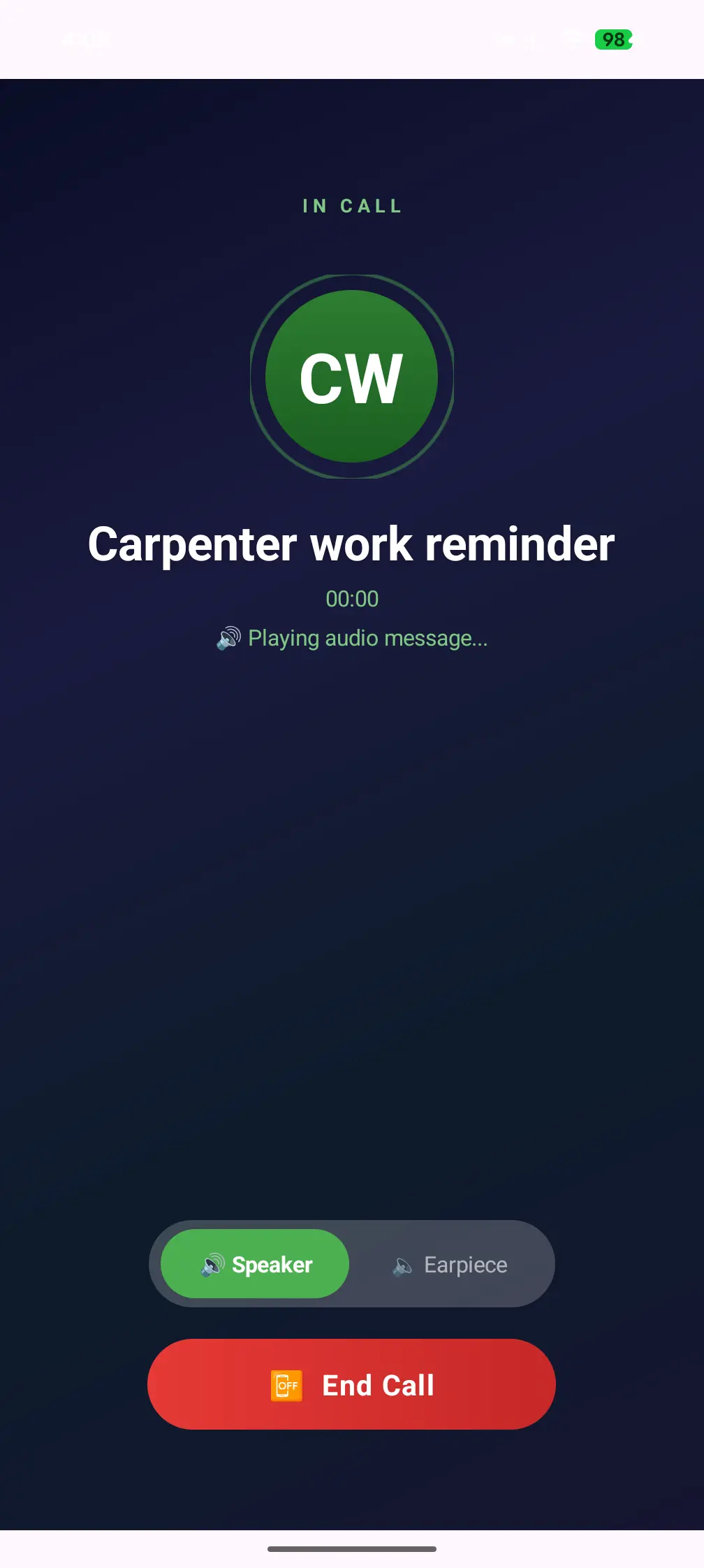
The call reminder ringing full screen with answer and decline buttons
Ringing, with your reminder’s name.
An answered call reminder playing the note
Answered: the note plays.

The reminder does not dial anyone. It rings from the app and plays your note; after it, you make the real call yourself.

Calls you make again and again

Set a repeat for the calls that come round on their own: your mother every Sunday, a supplier on the first of the month, a weekly team call on Monday and Thursday. A call reminder repeats daily, weekly, monthly, on chosen days or every few days.

If it did not ring

  • Allow notifications for the app in Android settings.
  • Allow Alarms and reminders, so it rings at the exact minute.
  • On Android 14 and later, allow full-screen notifications for the app.
  • On phones that close background apps, set the app’s battery use to unrestricted.

Questions about call reminders

How do I set a call back reminder on Android?

In Call Reminder & To-Do List, tap the plus button, choose Phone call, give the reminder a name such as Call Ali back, record a voice note or type a note, and set the time. At that time the phone rings with a full-screen incoming-call screen showing that name.

Does the call reminder ring when the phone is locked?

Yes. It turns the screen on and shows over the lock screen, like a real incoming call. On Android 14 and later, allow full-screen notifications for the app so it can do this.

Does the reminder call the person for me?

No. The ringing call comes from the app itself and plays your note. It does not dial anyone; after it, you make the call from your phone.

Can the call reminder play my own voice?

Yes. Record a voice note when you create the reminder and it plays when you answer. Without a recording, the app reads your typed note aloud.

Can I snooze a call reminder?

Yes. Snooze it from the call screen and it rings again later.

Can a call reminder repeat?

Yes. It can repeat daily, weekly, monthly, on chosen days of the week, or every few days.