
Most to-do lists wait for you to open them. This one sends a notification when a task is due, and keeps tasks next to the calls and messages you are already reminded about, so a day’s plan lives in one place.
Lists, subtasks and stars
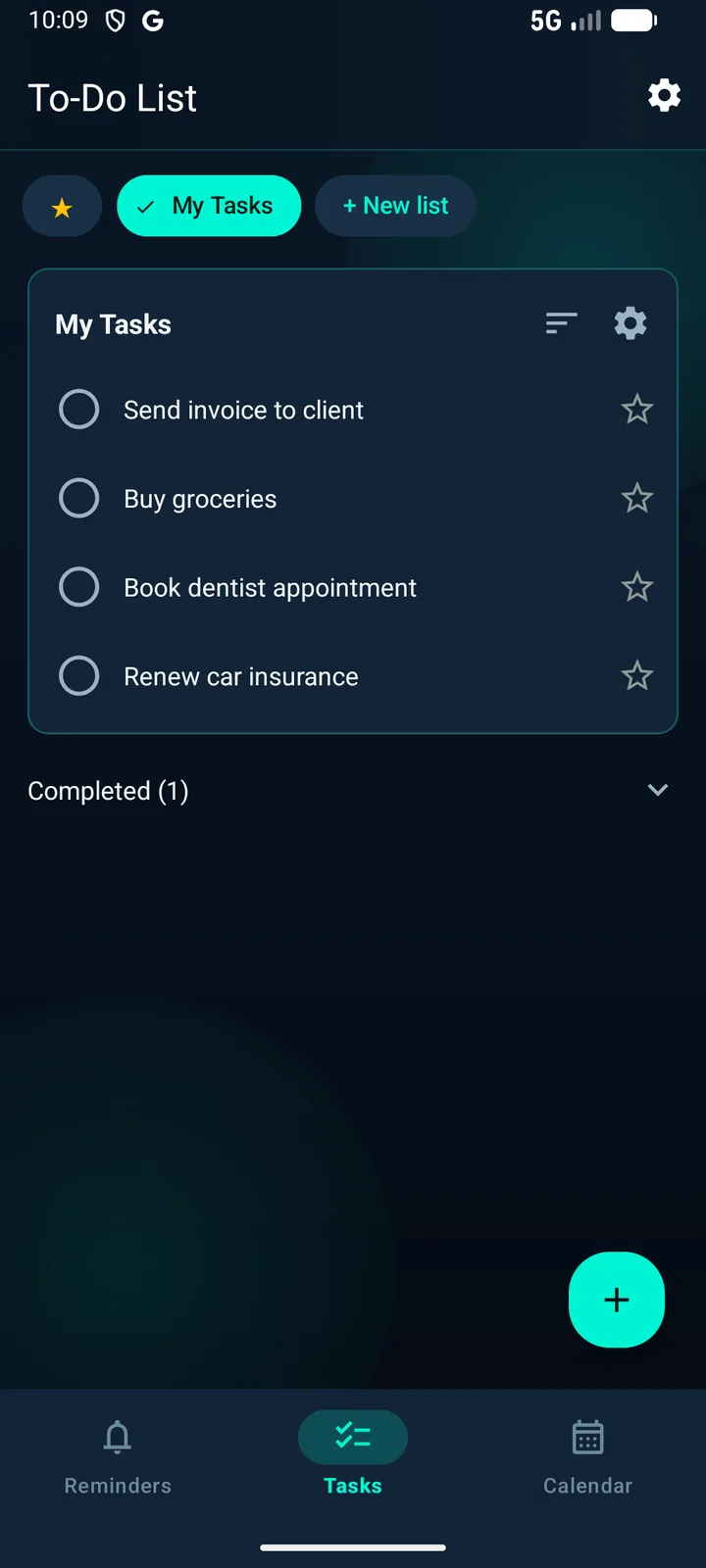
Open the Tasks tab and make as many lists as you need: work, home, shopping, a trip. Inside a task, add subtasks and tick them off one by one. Star the tasks that matter most so they stand out.
A reminder when a task is due
Give a task a due date and a time, and the app sends a notification at that minute. It works with no internet, and the reminder is set again after the phone restarts.
Everything due, on a calendar
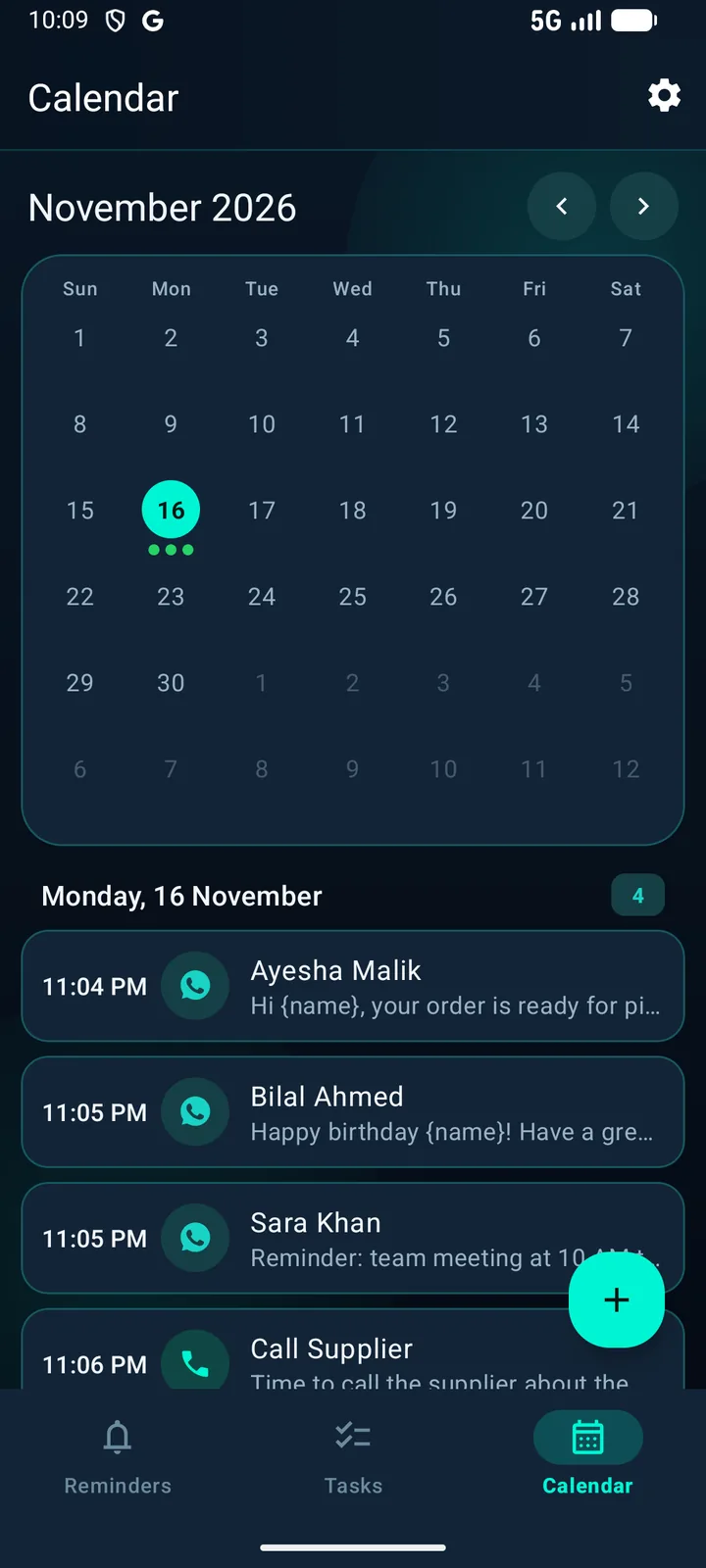
The Calendar tab puts reminders and tasks on one monthly calendar. Tap a day to see what is due, including reminders that repeat. It is the quickest way to see a busy week before it starts.
On the home screen
Add a widget for your tasks or for your reminders to the home screen, and see what is next without opening the app.
Private by default
Tasks are stored encrypted on the phone. There is no account and no sync to someone else’s server; the only time the app uses the internet is a backup to your own Google Drive, if you turn it on. The app can also be locked with your fingerprint or face.